 AFRIPEI
Mobile money
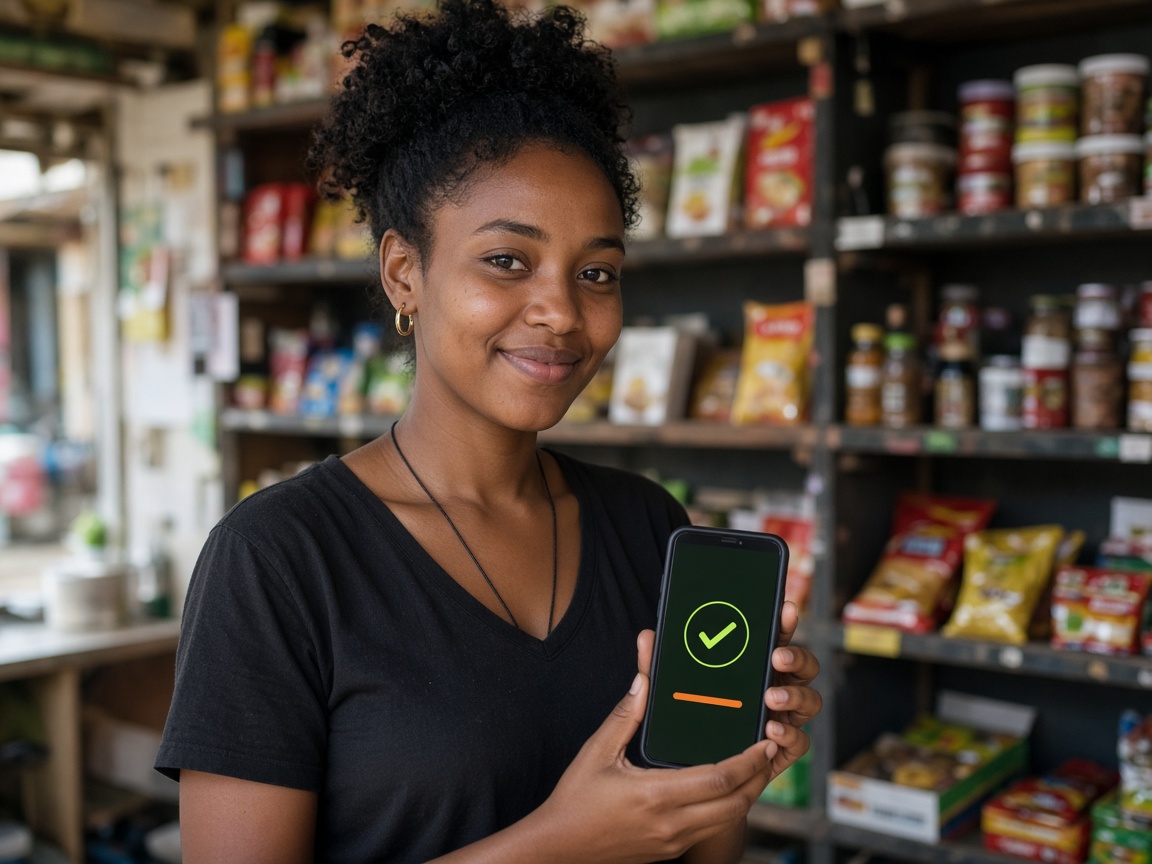
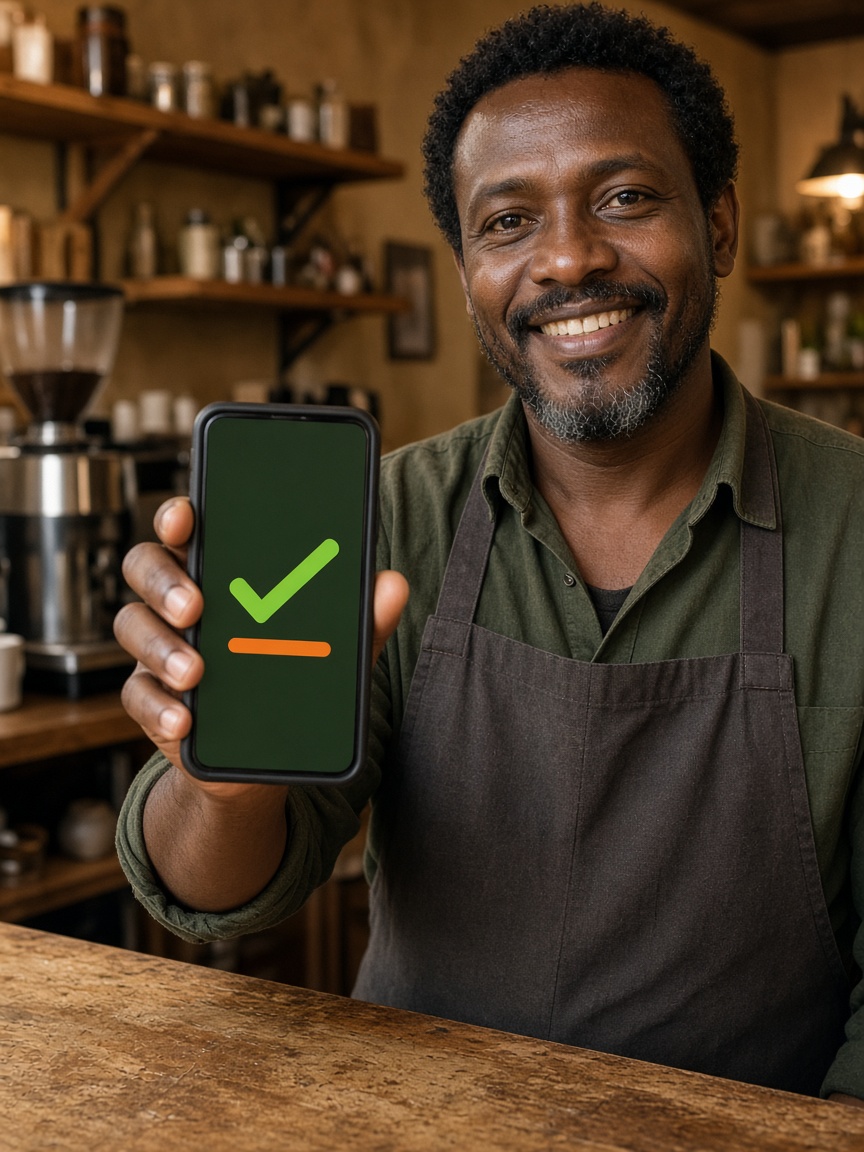
Accept M-Pesa, Airtel Money, Mixx by Yas, and Halopesa.
Tanzania
M-Pesa, Airtel Money, Mixx by Yas, and Halopesa. Collect from a customer, then pay a supplier, in Tanzanian shillings.
Customers pay with




From the customer’s phone to the supplier you pay. One account, in shillings.
Accept M-Pesa, Airtel Money, Mixx by Yas, and Halopesa.
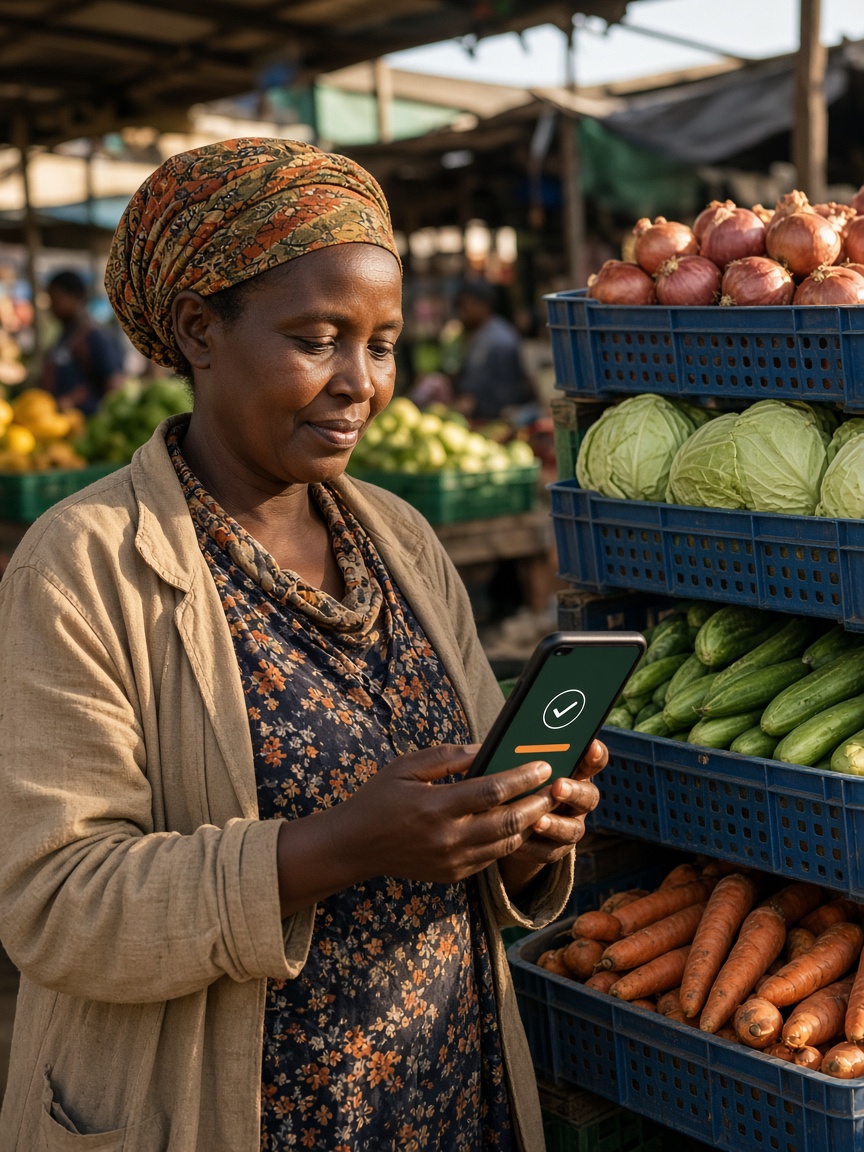
Send money to a mobile wallet or a bank account when you are ready.

Money in and money out stay together, so you can see what was paid.
Easy to connect
Ask the assistant to follow the AFRIPEI docs. Cursor and Claude can also connect to the account through MCP, so a collection or a payout is set up in the editor.



At the counter
A customer pays from the wallet already on their phone. The sale and the payment stay on one account, so you are not checking a different app for every wallet.
Payments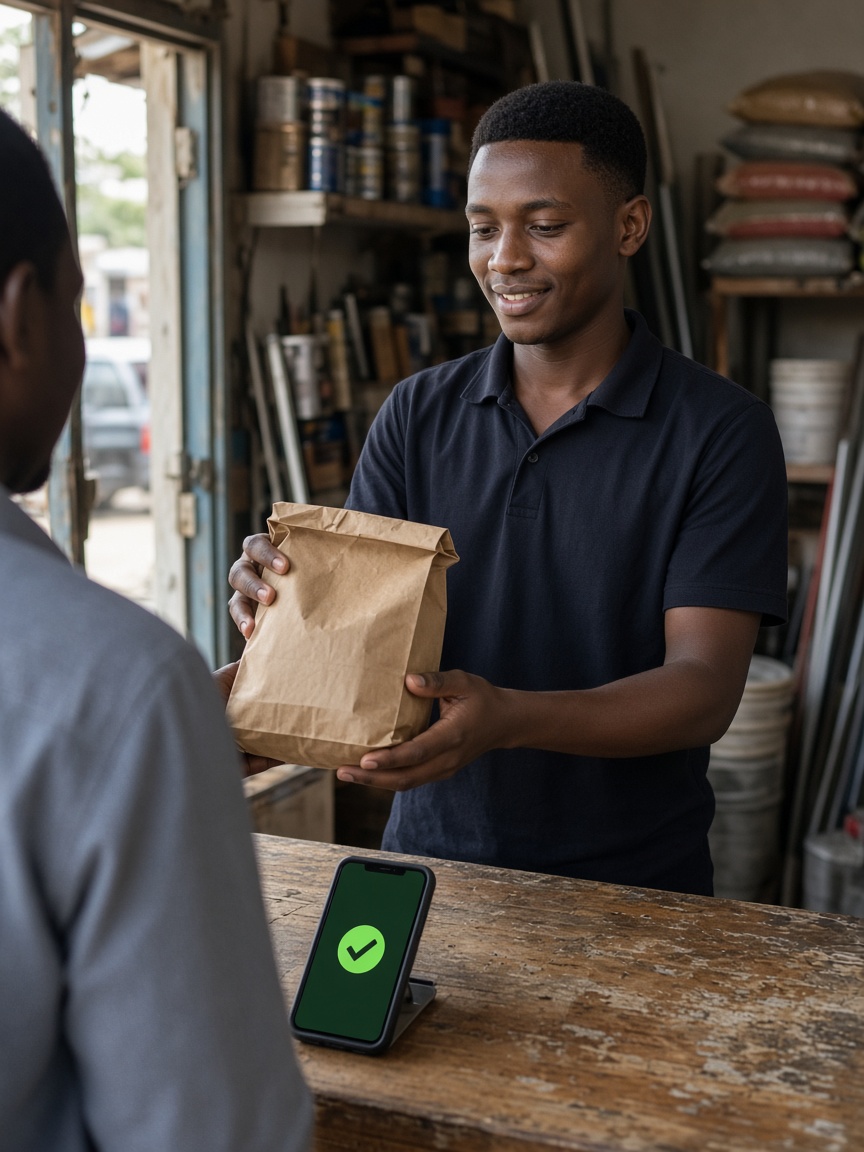
The people you pay
Pay a supplier, a rider, or a teammate to a mobile wallet or a bank account. The payout only leaves what the account can cover, including the fee on that payment.
PaymentsHow it works
Customers keep the wallet they already use. You do not open a separate account for each network.
Collections and payouts are in Tanzanian shillings. The amount on the account is the amount that moved.
The fee is a rule on your account. Each payment keeps the fee that applied when it was made.
A payout can go to a mobile wallet or to a bank account in Tanzania.
A new account cannot collect or pay out until the business has been reviewed.
The people who run the business sign in to the same merchant account.
M-Pesa, Airtel Money, Mixx by Yas, and Halopesa.
Yes. Send to their mobile wallet or to a bank account, from the balance the account can cover.
After the account is verified. Until then, money movement stays closed.
In the merchant portal. Money in and money out are on the same account.
No. The fee is set on the account. The payment keeps that fee, and the portal shows it with the transaction.
Get started
We review the business before money can move. After that, you are ready to collect.